
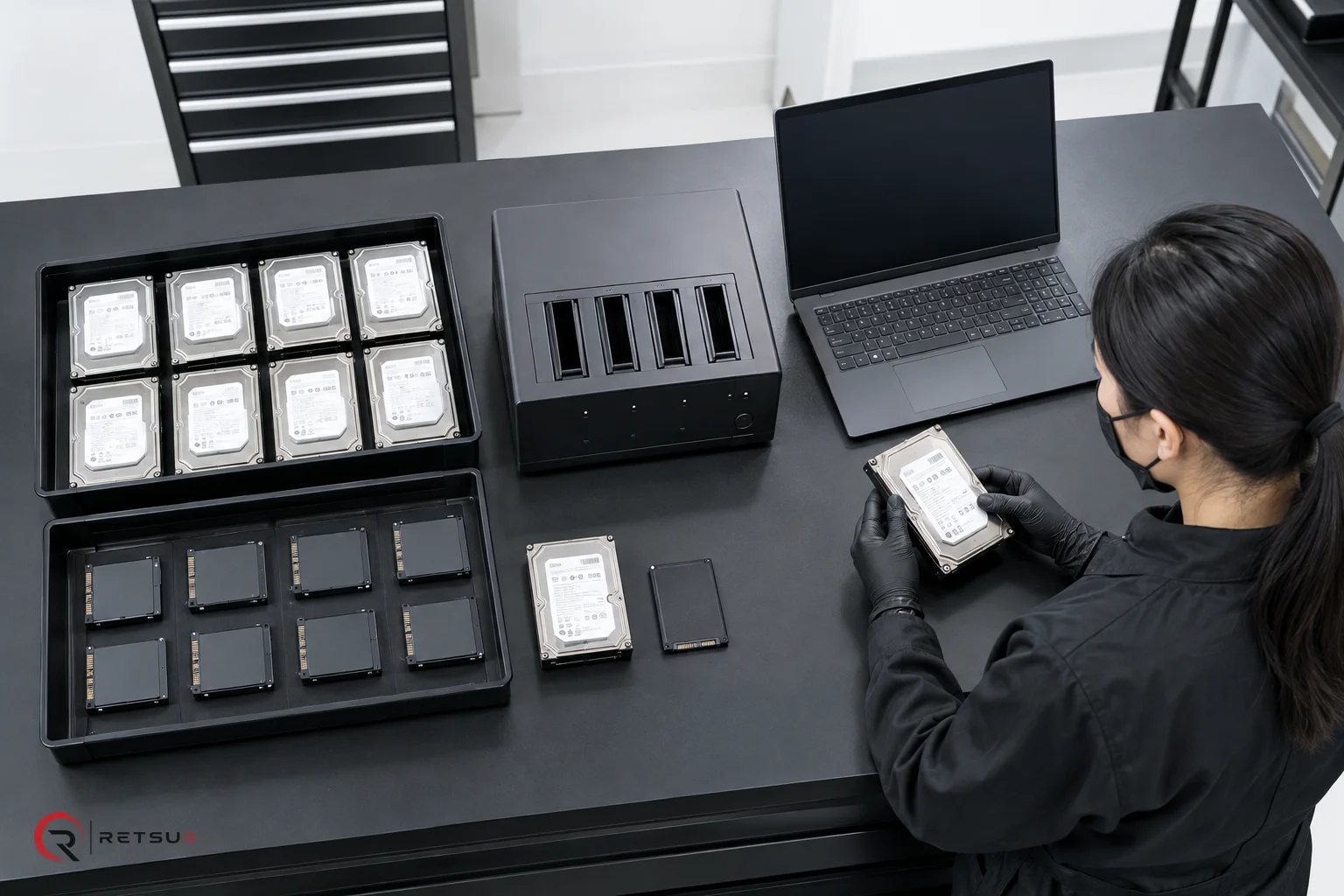
Understanding the Need for a Data Erasure Workflow
For ITAD and refurbishment teams, a reliable data erasure workflow is crucial. Whether you process hundreds or thousands of devices, consistent procedures ensure every asset is handled securely and efficiently. Retsu Erasure assists by providing a configurable approach to sequencing device tests, erasure, imaging, and evidence submission, which can be adapted for various operational needs.
Key Stages in the Data Erasure Workflow
Creating a practical, repeatable workflow involves several steps. With Retsu Erasure, you can define and automate these processes:
- Initial Profiling: Capture the device’s hardware footprint automatically as soon as it starts in Retsu Erasure’s Linux environment.
- Device Testing: Run applicable hardware tests to confirm device health. These tests can be incorporated into your workflow as required.
- Data Erasure: Carry out configurable erasure methods suitable for your risk profile and contract needs. Retsu Erasure allows you to select the number of overwrites or patterns.
- Imaging and OS Installation: For devices designated for reuse, include steps to deploy an operating system or custom image once erasure is complete.
- Reporting and Evidence Submission: Export the generated erasure and test reports. Submit them directly to the Retsu Portal for inventory, further integration, or audit management.
- Automated Shutdown or Next Steps: At the end of the workflow, instruct devices to power down, reboot, or proceed for further handling as required.
Practical Example: Erasing Laptops in Bulk
Imagine an intake of 50 laptops destined for refurbishment and resale. Using Retsu Erasure, staff can boot these devices—either by USB stick or PXE network boot—into a dedicated Linux-based erasure environment. The software automatically profiles the devices and runs your chosen sequence:
- Confirm each device’s key specifications and serial number via initial profiling.
- Run pre-configured functional tests (e.g., memory and storage checks) where needed.
- Initiate a single-pass data erasure if suitable, or select a multi-pass method for higher security requirements.
- Optionally, image the drive with a corporate Windows installation or leave the device blank, based on downstream needs.
- Generate an evidence report for each laptop, submitting these in real time (or in a batch) to the Retsu Portal for audit logging and inventory control.
By following this sequence, teams reduce manual handling and duplicate entry, as device records and reports are consistently structured and centrally managed.
Integrating with Broader Asset Workflows
Retsu’s modular suite offers more than device erasure. By submitting erasure and hardware test reports to the Retsu Portal, your inventory and commercial workflows remain up to date. If you use other Retsu modules, such as Profiler, cross-module integration further helps with asset reconciliation and resale preparation.
This approach results in a consistent chain of custody for every asset. It also prepares you with detailed records for clients or internal audits, thanks to clear, accessible evidence reports attached to each device in the system.
Best Practices for a Repeatable Process
- Standardise workflows for device categories. Adjust steps for laptops, desktops, or servers as needed.
- Label erased devices or use inventory tags, with device records linked in the Retsu Portal.
- Train staff to recognise which workflow applies for different projects or contract types.
- Periodically review and update your workflow sequences as requirements or asset types change.
Next Steps
Solid data erasure workflows play a vital role in delivering secure, auditable IT asset disposition. To see how your process could benefit from Retsu Erasure’s flexible workflow and reporting capabilities, explore Retsu Erasure today. The right tools can help your team achieve operational consistency and peace of mind at every stage.