
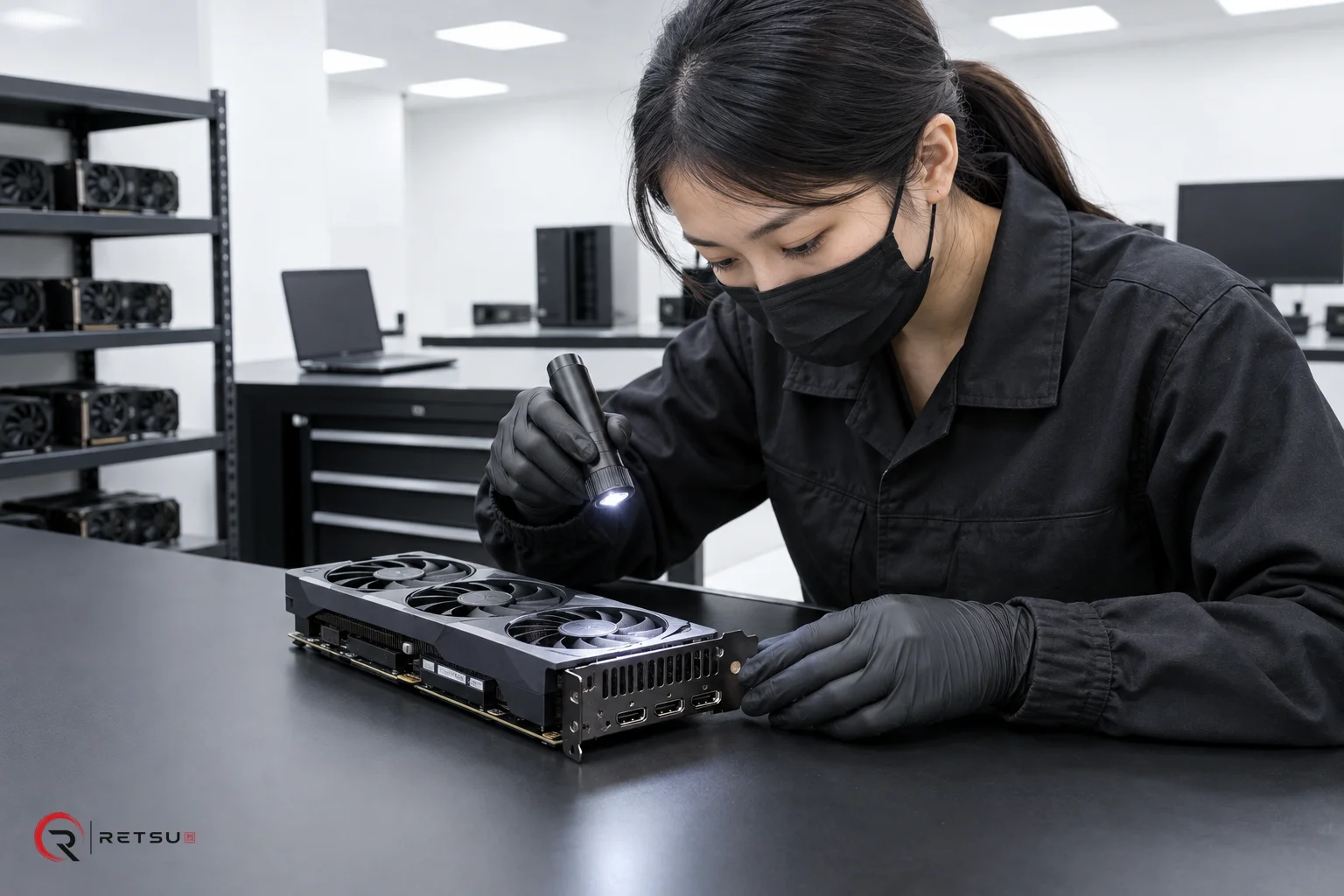
For IT asset disposition (ITAD) and device refurbishment businesses, understanding the health and performance of a device’s graphics processor (GPU) is critical. Accurate GPU stress testing not only verifies working hardware but also adds confidence to resale and redeployment decisions. Retsu Profiler offers a structured way to perform, supervise and record GPU stress tests as part of a consistent workflow, directly connecting results to device records for future reference.
Why GPU Stress Testing Matters for ITAD and Refurbishment
Modern workstations, desktops and laptops often rely on GPU performance, whether for office productivity, creative applications or light gaming. In the ITAD and refurbishment sector, failing to test the GPU can leave latent defects undetected or devalue assets that are actually in good working condition. Stress tests place the GPU under controlled load, making it easier to identify potential overheating, instability or other faults that do not reveal themselves under normal use.
A consistent approach to GPU assessment enables teams to:
- Identify potential failures early before devices reach resale or reuse.
- Support accurate grading of refurbished assets based on performance evidence.
- Provide reliable documentation connecting each test session to a specific device and operator.
- Reduce uncertainty for sales and warranty teams by having detailed performance data available in the portal.
Getting Started: Configuring and Launching GPU Stress Tests in Retsu Profiler
Retsu Profiler for Windows is designed to make test initiation straightforward. When preparing a workstation for assessment, the technician launches Profiler as a standard executable inside Windows. Device type detection within Profiler helps ensure the correct set of tests are available—including the GPU stress option where appropriate.
The workflow usually includes:
- Selecting the appropriate device profile: This tailors which tests, including GPU checks, are necessary based on whether the device is a desktop, laptop, or other system.
- Setting stress test duration: For GPU (and CPU) stress tests, account administrators can preset the desired length of the test, ensuring consistent stress levels across batches or customer types.
- Authenticating technicians: Each operator logs in via a unique PIN, allowing all subsequent actions and results to be associated with the correct individual and session time.
The Test All function offers guidance throughout, indicating when a GPU test is needed and tracking progress alongside other checks such as RAM, storage and battery health.
Technician Involvement During GPU Stress Tests
Although GPU stress testing relies mostly on automated procedures, technician oversight remains important. The Profiler interface displays real-time status and relevant measurements during the test. Technicians might monitor system temperatures, fan activity and graphical artifacts that may not be automatically flagged but can indicate issues worth further inspection.
When interactive responses are needed—such as confirming the presence of display anomalies or reviewing thermal thresholds—Profiler prompts the technician to record their observations directly. This balances automation with expert human input where it matters most, enhancing the confidence in test outcomes.
Capturing and Recording Results for Accurate Grading
Upon completion, Profiler automatically collates the results. This includes recorded temperatures, performance metrics and any user observations flagged during testing. These results are then sent to the central Retsu Portal, attached to the unique record for the tested device.
Key advantages to this process are:
- Accountability: Operators, session times and test results are all recorded under each asset.
- Clear documentation: GPU test passes and observations become part of the device’s history, supporting future audit, resale and support decisions.
- Streamlined workflow: No need for duplicate entry or manual report consolidation—Profiler and Portal work together by design.
Because device type informs which tests are run, there’s less risk of missing key steps or applying tests inappropriately.
Practical Tips for ITAD Teams Using Retsu Profiler for GPU Testing
To get the most out of Retsu Profiler’s GPU testing capabilities, consider these best practices:
- Train technicians to recognise subtle GPU faults: Brief staff on common graphical symptoms, such as flickering, artefacts or unexpected temperature spikes.
- Establish baseline temperatures and expected outcomes: Use team knowledge and past Profiler reports to determine acceptable thresholds for each device class.
- Review automated results along with technician notes: Some issues are only visible under specific loads or as intermittent glitches, so combine automated metrics with attentive technician review during and after testing.
- Utilise the Portal for cross-referencing: Compare a batch of results across similar models to catch trends or repeat issues before they impact customers.
Connecting GPU Testing into the Wider ITAD Workflow
GPU stress testing with Profiler fits neatly into a broader, modular workflow. When used alongside other Retsu products, teams reduce data entry, connect test evidence to commercial records, and help build a traceable inventory from intake to sale. By capturing complete test data in the Portal, it becomes easy to review asset health, assign device grades, and provide supporting evidence to customers or internal stakeholders alike.
For more information about Retsu Profiler’s features, including GPU stress testing modes and connected reporting, you can visit Retsu Profiler. Explore the technical details and see how Retsu can help streamline every stage of your diagnostic and refurbishment process.