
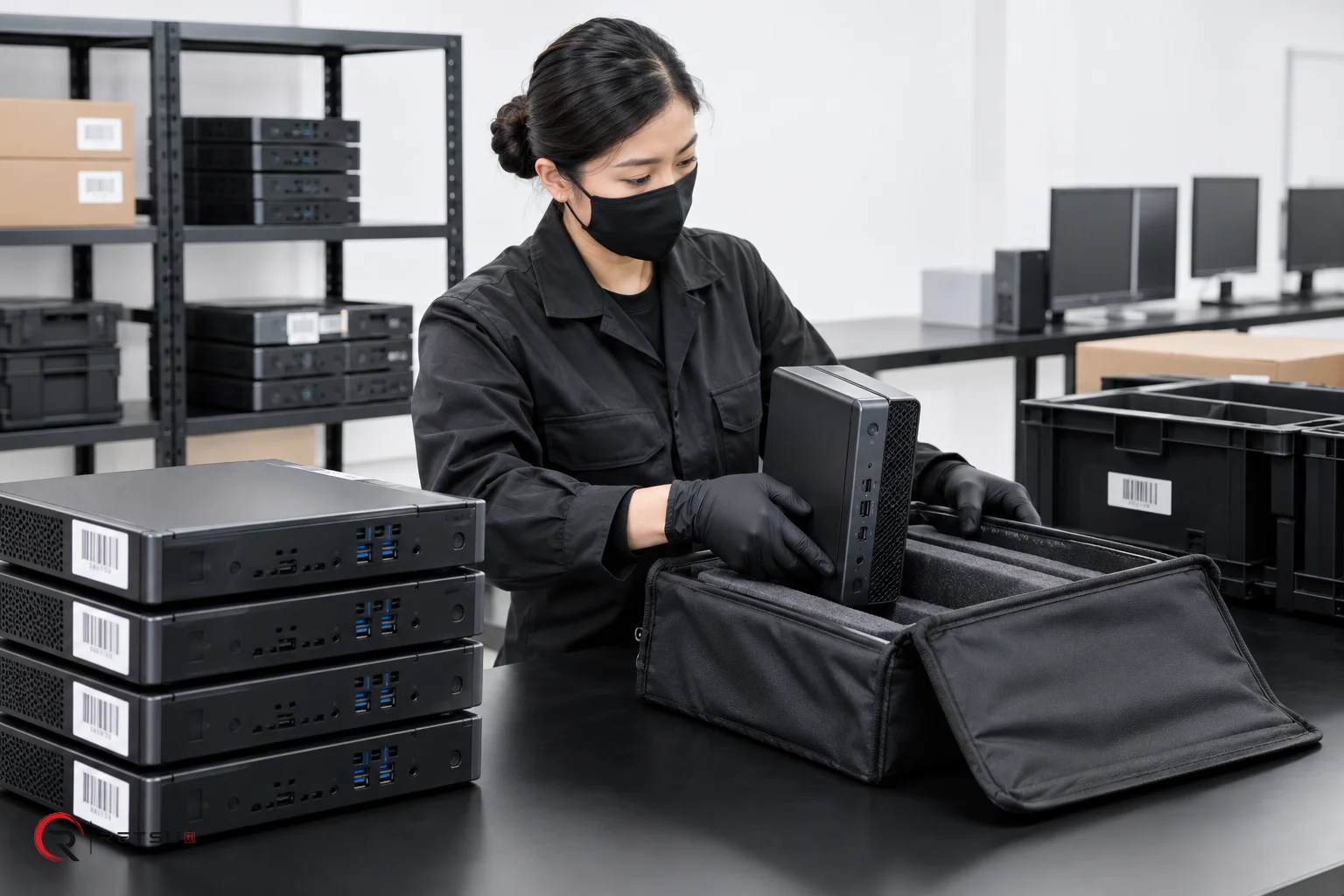
Getting ready for an IT asset collection is a vital stage for ITAD and refurbishment teams. Planning ahead not only ensures that everything goes smoothly when the van arrives, but it also sets a clear foundation for device tracking and reporting. Retsu Portal offers structured workflows for IT asset collection, allowing teams to declare and organise inbound equipment before it even reaches the warehouse.
Why Prior Preparation Matters in IT Asset Collection
Organisation starts before a single asset enters your facility. By preparing for an IT asset collection ahead of time, you reduce the risk of misplaced or mislabelled equipment, prevent bottlenecks at the point of delivery, and provide your team with clear information about incoming stock. Retsu Portal is designed to make this preparation step efficient, flexible and easy to audit.
- Clarity: Everyone involved knows what is due to arrive and how it should be handled.
- Traceability: Linking expected device information with POs or collection jobs.
- Speed: Teams can allocate resources based on the size and type of the incoming load.
Declaring an Inbound Load Using Retsu Portal
With Retsu Portal, you can declare the expected load before the van pulls up at your facility. This step involves creating lots based on the collection arrangement. Retsu supports various lot types, such as pallets, boxes, cages, crates or loose-item collections. Each lot can be assigned with anticipated device types, estimated quantities, and condition notes drawn from the client’s information or logistics instructions.
Here is how an inbound workflow typically looks in Retsu Portal:
- Log into Retsu Portal and access the inbound section.
- Create a new lot based on the expected load type: select from pallet, box, cage, crate or loose item.
- Input key details: Add the expected device types, anticipated quantities and any known condition or client reference notes.
- Link collection details: Assign the client name, purchase order or collection reference so everything is connected in one record.
- Save and review: Confirm entries and ensure warehouse and admin teams know what to expect before the delivery.
This preparation gives technicians and inventory teams a head start as soon as the assets arrive on site. Boxes, pallets and cages can be checked in against the prepared lots, each with clear instructions and expectations.
Organising Batches for Speed and Accountability
Once the inbound lots are created in Retsu Portal, it is easy to group collections by batch. Grouping assets in this way improves tracking, especially when handling multiple collections or clients on the same day. Batch organisation allows for efficient labelling and routing upon arrival, minimising delays and boosting accountability.
- Batch labels: Print or generate labels for each batch, making it easy to identify and sort incoming lots as they come off the van.
- Role assignment: Assign specific lots or batches to technicians or processing teams within Portal, so each step is tracked and time-stamped.
Each touchpoint in the workflow—from unloading through to warehouse check-in and inventory capture—can be linked to the initial declaration, preserving the audit trail and avoiding errors from last-minute guesswork.
Handling Variable and Mixed IT Asset Collections
Real-world IT asset collections are rarely uniform. Some shipments arrive as a mix of desktops, laptops and servers; others might contain a blend of boxed and loose items. Retsu Portal provides the flexibility to reflect these realities. As you declare lots, you can specify mixed content, add notes about expected variations, and flag priority items or special handling instructions for technicians.
This adaptability ensures all stakeholders—from logistics partners to warehouse staff—have access to accurate, shared information and can adjust their internal processes accordingly. The result is consistent, reliable inbound management, even when client requirements change at short notice.
Maintaining a Transparent Asset History
Transparency is vital to ITAD and refurbishment. Retsu Portal keeps a detailed history for every device and batch, including the initial collection declaration, subsequent warehouse movements and technician actions. If there are discrepancies or damages noted at unloading, these can be recorded directly in the batch or lot record. This audit trail supports internal reporting and client communications, helping you demonstrate a professional, accountable approach to asset management.
Device histories are especially useful for:
- Auditing compliance with client agreements
- Tracking movement and storage of each item from arrival onwards
- Supporting later processes such as repair, refurbishment or resale
Linking Inbound Orders to Downstream Workflows
The value of good preparation does not stop at arrival. Because Retsu Portal integrates inbound orders, repairs, batches and device history, you can seamlessly connect the intake process to downstream workflows. When lots are received and processed, the same records support erasure, repairs, sales orders and returns—reducing duplicate entry and ensuring accurate information is available at every step.
This level of integration allows ITAD teams to work more effectively, ensuring the right actions are taken and nothing is missed from collection through refurbishment and beyond.
Explore IT Asset Collection Workflows in Retsu Portal
Preparing for an IT asset collection with Retsu Portal brings clear benefits in organisation, traceability and collaboration. By declaring inbound loads and using structured lots and batch management, your team builds an efficient, scalable foundation for everything that follows. To explore these features and more, visit the Retsu Portal and discover how your ITAD operation can benefit from robust, connected workflows.